
Customer and footfall
Know who comes in, where they go and why they leave.
- Footfall to conversion
- Queues and wait times
- Heatmaps and dwell
Service 06 · Visual AI for Retail
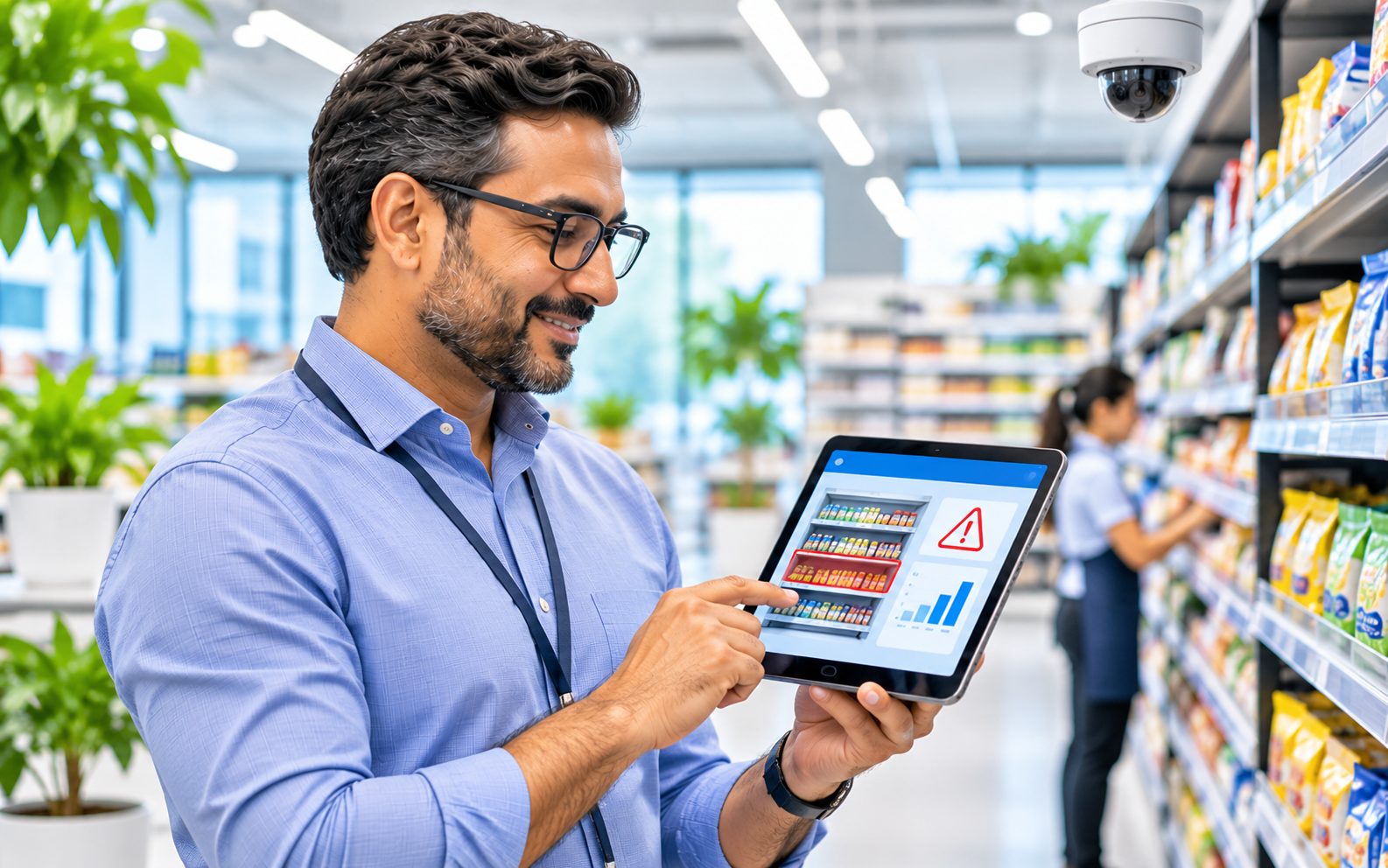
Dynaimers connects your existing CCTV to your POS and ERP. Every basket, shelf, freezer and stock movement is checked automatically, and every exception arrives with the clip, the receipt and the person responsible for acting on it.
Example screen. The camera counts items bagged; the POS shows what was billed.
What we offer
Start with the one that hurts most. Each new control is a new rule on the same cameras, so nothing is thrown away as you grow.
Know who comes in, where they go and why they leave.
Catch leakage at the counter, the fitting room and the back door.
Run every store like your best store, with evidence for audits.
Turn the camera into a shelf and display auditor.
Make book stock match what is really on the shelf and the truck.
Every pack checked on the line, every defect photographed.
Featured case studies
The cashier collects cash for ten items, rings up eight and keeps the difference. The drawer still balances, so cash-up never catches it. The counter camera counts items bagged and matches them to the receipt, line by line.
Opening stock plus goods received, minus POS sales and write-offs, gives expected stock for every SKU. We check it against counts and shelf cameras daily and link each gap to its likely cause.
A camera over the packing line checks every cup or pack for dents, lifted lids, broken seals and missing codes. Each defect is photographed and set to “Damaged” in the ERP, so it can never ship by mistake.
One photo of each branded freezer or cooler shows own-brand slots, competitor products and empty slots. Brands get a purity and fill score per outlet and a task for the merchandiser.
Case study library
Filter by your store format or by the control you need. Each one names the problem, what the camera does and what your team sees.
How it works
Existing cameras over RTSP or ONVIF, plus your POS and ERP feeds.
The vision engine counts items, people, doors, gaps and defects.
What the camera saw is checked against what the system recorded.
Each exception goes to the right role with the clip or photo attached.
One-click review; every decision tunes the rules and the reports.
Business value
Small gaps per basket add up across a chain. Enter your own figures in any currency; the example below uses illustrative inputs.
Illustrative only. A pilot measures your real unbilled-item rate before any figure is relied on.
Beyond ROI
Leaking revenue gets booked. Shrinkage is explained by cause, and book stock moves closer to reality.
Fewer full stock counts, faster investigations and fewer empty shelves from stock that existed only on paper.
Exceptions arrive ranked by risk, with the evidence attached, instead of hours of footage to scrub.
Honest staff are protected by evidence, not suspicion. Knowing every basket is checked also deters leakage.
Correct bills, shorter queues and products on the shelf when the system says they are there.
One view of leakage, stock accuracy and compliance across every store, to compare and act early.
Privacy and compliance
We scope the local rules during discovery and configure them before go-live. Typical frameworks we design for:
Basket-to-bill matching counts items and hands. It identifies no one.
Watchlists run only after an impact assessment, keeping templates and discarding raw images.
On-premise or in-region cloud, with role-based access and a log of every view.
Signage at entrances and a stated purpose for every camera and rule.
Clips are deleted automatically after a set period unless under review.
Footfall and occupancy use anonymous counts by default.
How we engage
We walk your stores, review camera angles, POS and ERP, and rank the controls by value.
A clickable prototype of your dashboards and alerts, with a costed plan.
One store, a few counters, measured against today’s results.
Roll out store by store, add controls on the same cameras, and stay with you after go-live.
FAQ
Usually not. Most controls run on existing IP cameras over RTSP or ONVIF. Where an angle does not work, such as directly over a counter or a packing line, we recommend one extra camera for that point.
Any system that can share its transaction log by API or export. We are Microsoft Dynamics 365 specialists, so Dynamics 365 Commerce, Supply Chain and Business Central connect out of the box.
Not by default. Billing, stock and safety controls count items, people and events without identifying anyone. Watchlists are an optional module, enabled only where the law allows and after an impact assessment.
Thresholds are tuned with your team during the pilot, low-confidence events go to a person to confirm, and every confirmation improves the model.
A typical pilot runs four to six weeks in one store after a short discovery, and ends with measured results for your stores.
On your premises or in a cloud region in your country, as your policy and local law require. Access is role-based and every view is logged.
Next step
Tell us your store format and the leak you want to close first. We will show you a working prototype before you commit to anything.
chirag@dynaimers.com